LinkedIn Integration
LinkedIn is the core channel for Taleva's Sequences and outreach automation. Connecting your account lets Taleva send connection requests and messages on your behalf, from your own profile, as part of an automated flow. Both connections are managed from Settings → Integrations.
LinkedIn Messaging
This is the integration that powers Sequences and automation.
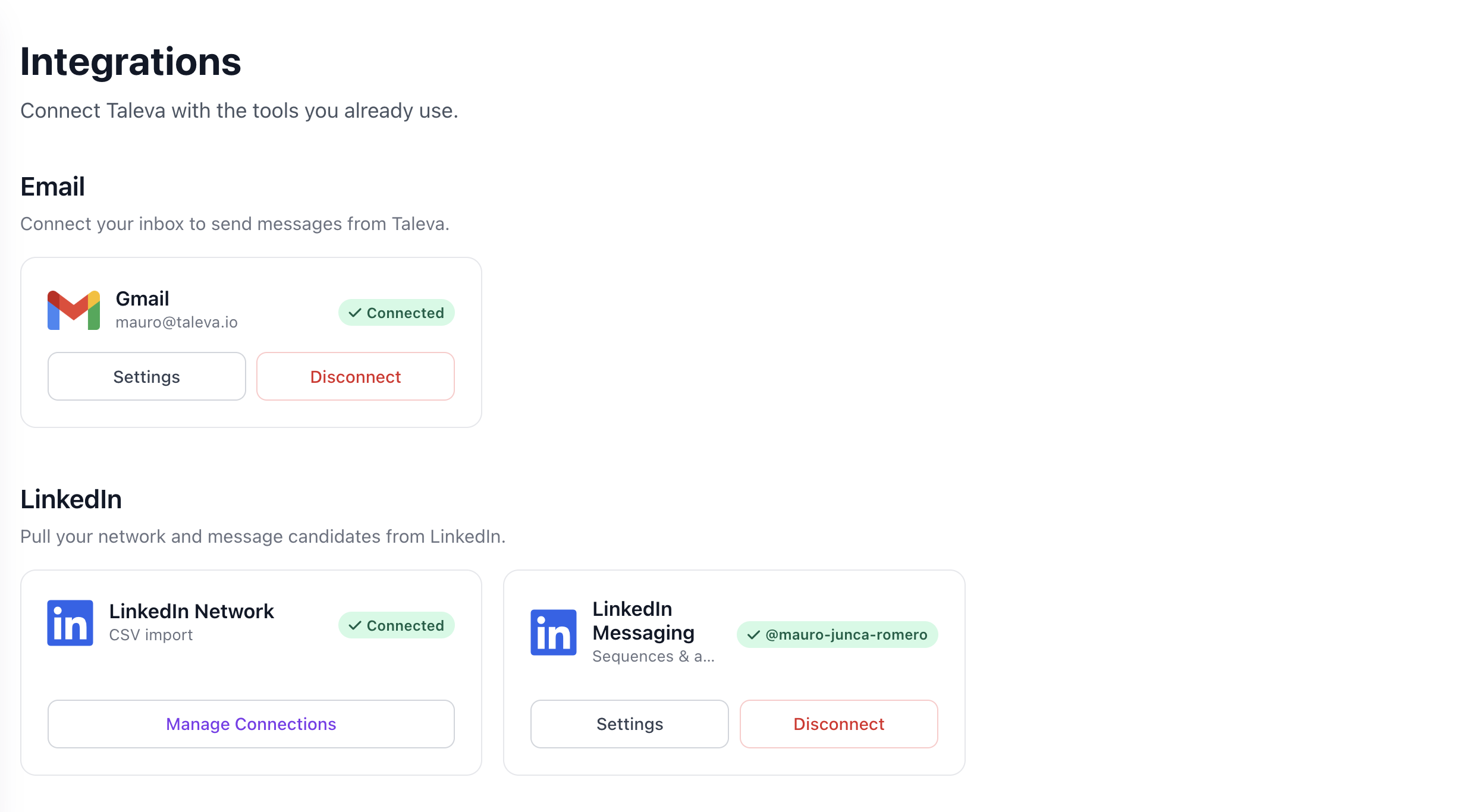
- What it does: Once connected, Taleva can send connection requests and direct messages from your LinkedIn account as steps in a sequence. Replies arrive in your normal LinkedIn inbox and in Taleva's Inbox.
- Your profile, always visible: The connected profile is shown on the integration card, so you always know which account is active.
- Authentic outreach: Because messages come from your own profile, candidates see a real person reaching out, not a tool.
LinkedIn Network (CSV Import)
A separate connection that pulls your existing LinkedIn network into Taleva via CSV import, so you can see and message your contacts.
- Import your network: Upload your LinkedIn connections export to make your first-degree network visible inside Taleva.
- Manage Connections: Use Manage Connections to keep your imported network up to date.
Disconnecting
You can adjust each connection's behavior under Settings, or remove it at any time with Disconnect.